




S-1 Editor — Roland S-1 para Mac y Windows
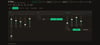
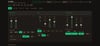
El S-1 cabe en una mano y por eso esconde casi todo detras de SHIFT. Este
editor lo abre: los 54 parametros a la vista, en la pantalla de tu
computadora, acomodados en el orden en que el sonido de verdad viaja por
el sinte.
QUE HACE
Mapa completo. Los 54 control changes del manual oficial v1.02, cada uno
con su rango real y su explicacion en lenguaje llano. Nada adivinado.
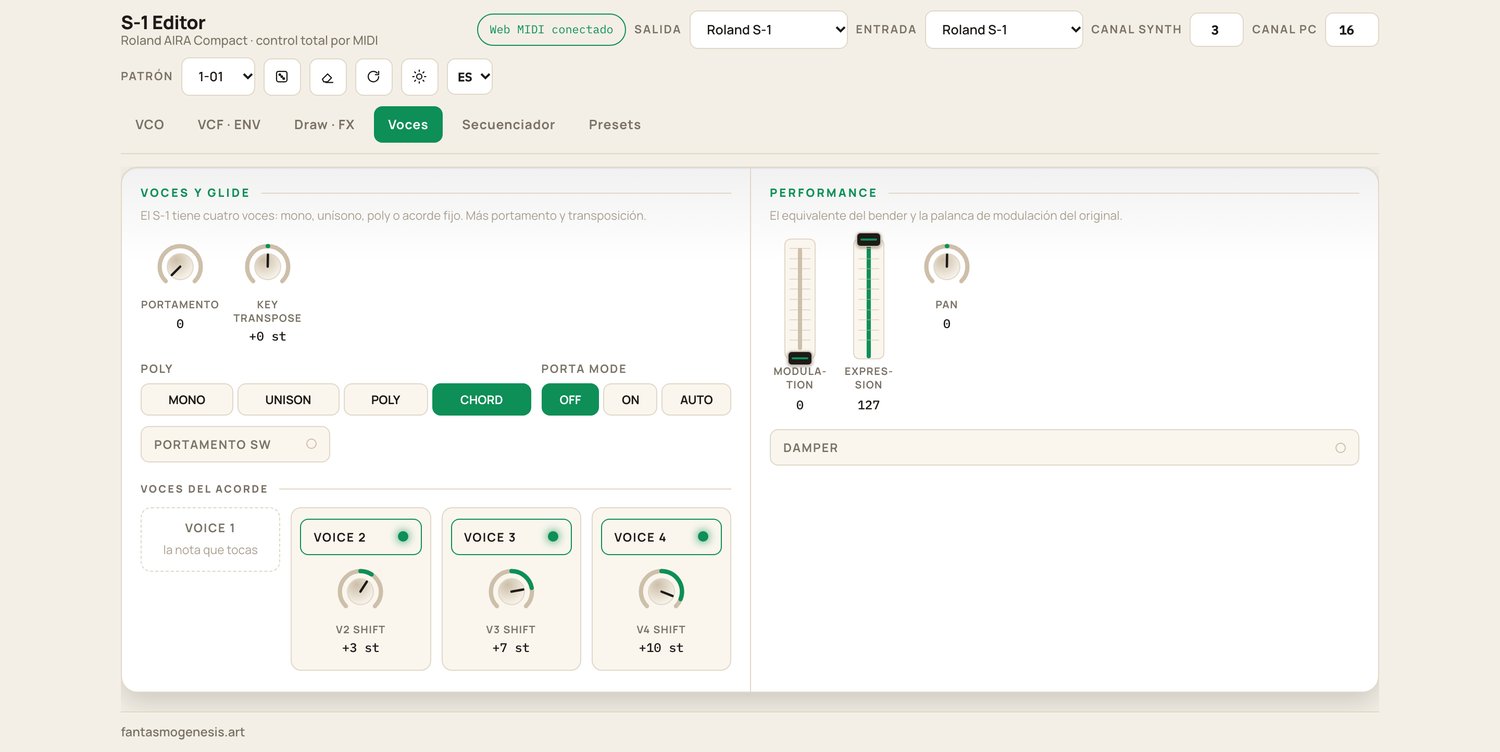
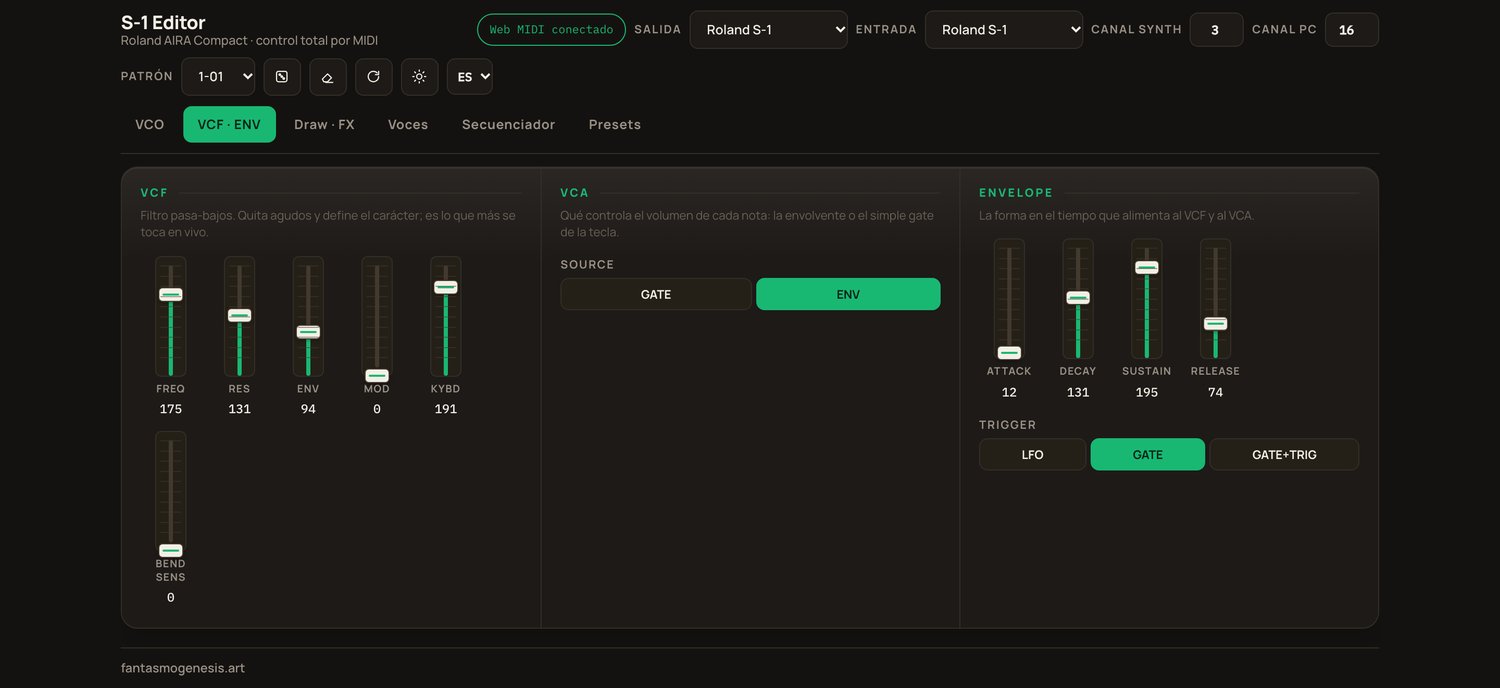
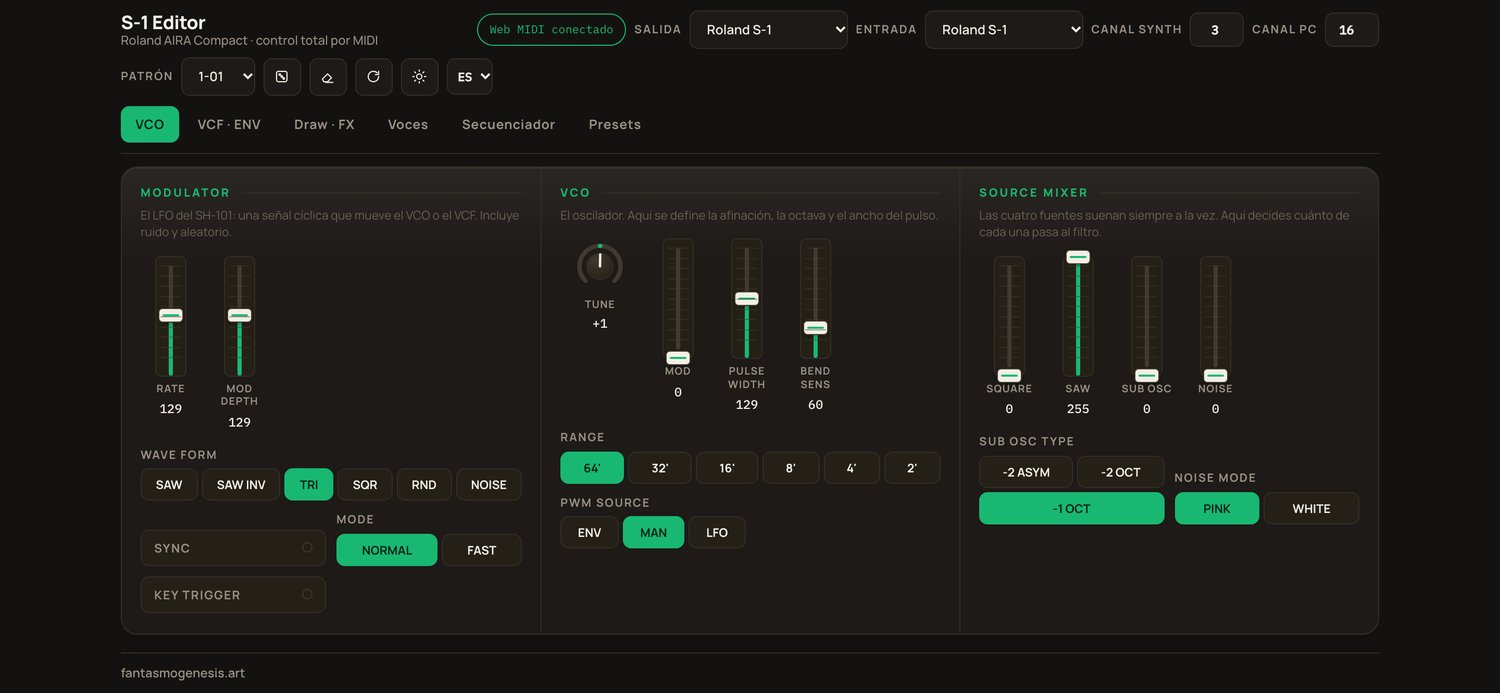
Arquitectura de SH-101. Modulator, VCO, Source Mixer, VCF, VCA y Envelope
en ese orden, con faders verticales donde el original los tiene. Lo que el
S-1 agrega y el 101 no tenia (Osc Draw, Chop, efectos, modos de voz) vive
en secciones aparte en vez de estar revuelto.
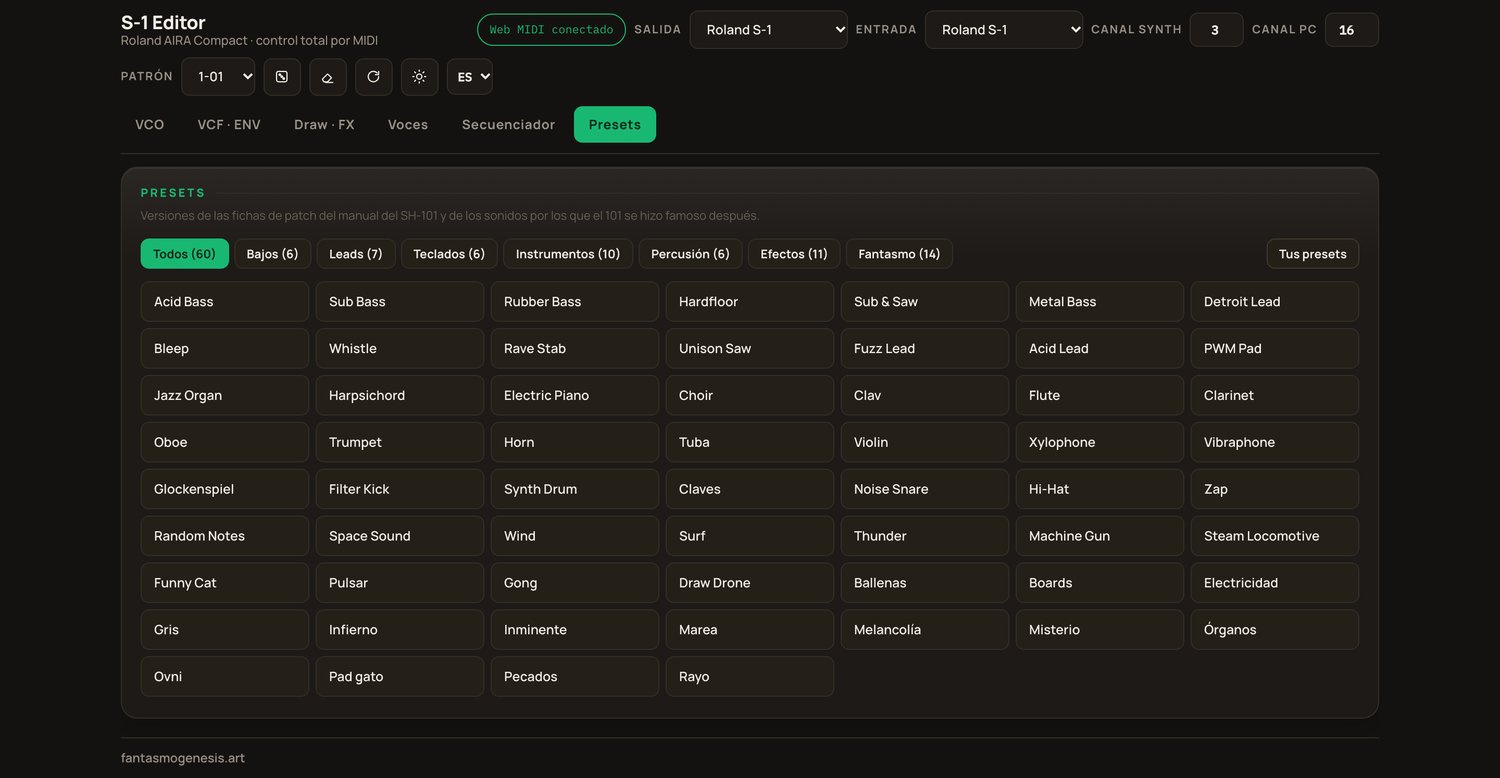
60 presets. 46 son versiones de las fichas de patch del manual original
del SH-101 (FLUTE, CLARINET, SYNTH DRUM, RANDOM NOTES) y de los sonidos
por los que el 101 se hizo famoso despues: acid, stabs, sub, PWM. Los
otros 14 son la categoria Fantasmo: sonidos propios de fantasmogenesis.
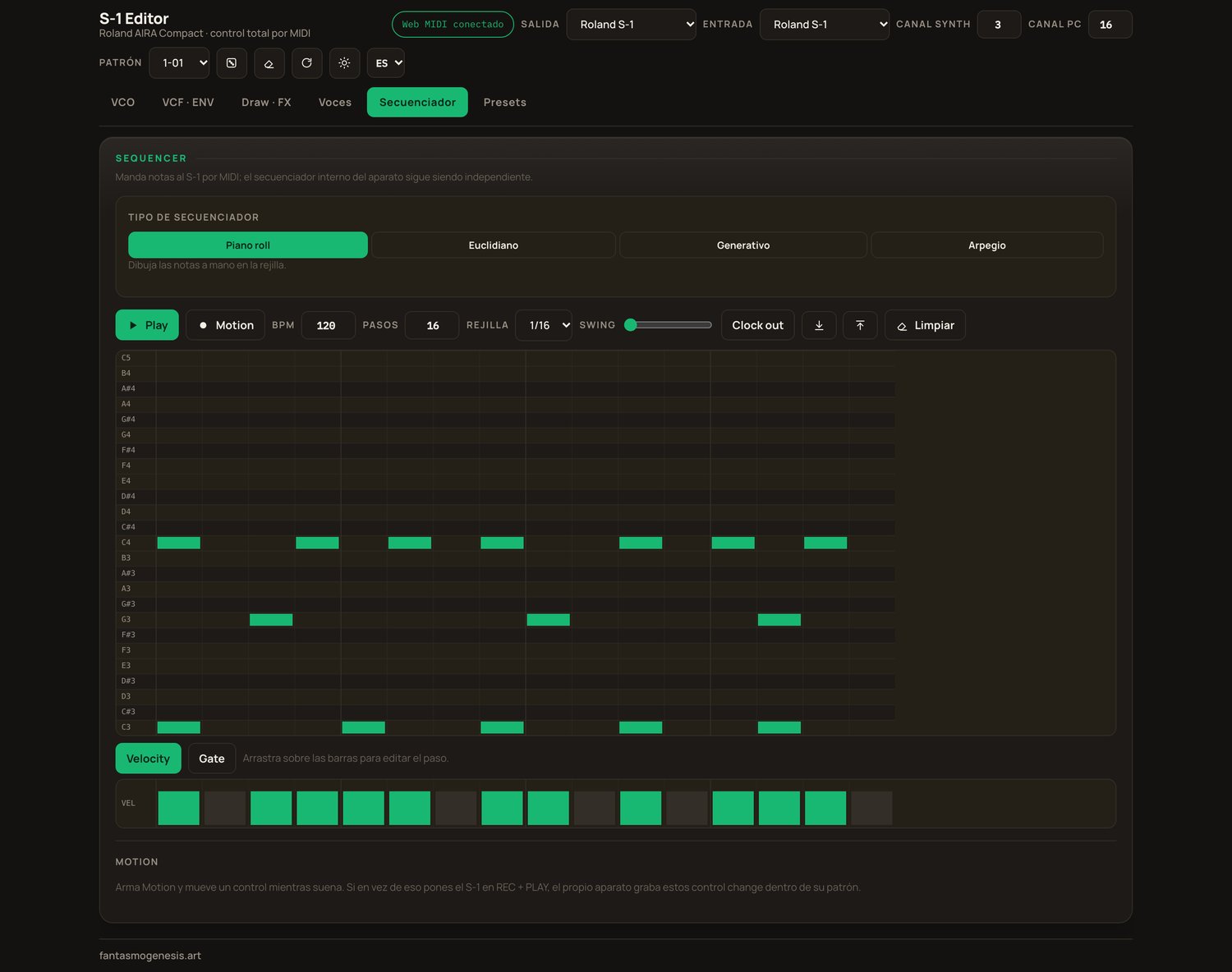
Cuatro secuenciadores. Piano roll por pasos, euclidiano, generativo por
escala y arpegio. Grabacion de motion: mueves un control mientras graba y
el valor queda escrito en el paso que esta sonando.
Libreria propia. Guarda tus sonidos con o sin su secuencia, exportalos
como JSON y llevatelos a otra maquina.
Dado e init. Un boton aleatoriza todo el motor de sonido y garantiza que
lo que salga se oiga; otro vuelve al punto de partida.
Bidireccional. Mueves una perilla del S-1 y la pantalla la sigue.
Espanol, ingles y portugues. Modo claro y oscuro.
COMO FUNCIONA
Conectas el S-1 por USB-C, eliges el puerto y ya. No hace falta driver ni
cuenta ni internet. El editor no manda nada a ningun servidor.
LO QUE HAY QUE SABER ANTES DE COMPRAR
El S-1 no responde a SysEx: Roland no dejo forma de leerle un sonido ni de
guardarselo por MIDI. Por eso la libreria vive en la app. Para dejar un
sonido dentro del aparato, el boton "Preparar patron" selecciona el patron
destino y le vuelca los 54 controles; el WRITE final lo aprietas tu en el
S-1, porque esa tecla no existe como mensaje MIDI.
El instalador de Windows todavia no esta firmado, asi que SmartScreen te va
a advertir la primera vez. "Mas informacion" y luego "Ejecutar de todas
formas". Las dos versiones de Mac si estan firmadas y notarizadas por
Apple, asi que abren directo.
QUE INCLUYE LA DESCARGA
S-1 Editor-1.0.0-arm64.dmg macOS, Apple Silicon (M1 en adelante)
S-1 Editor-1.0.0.dmg macOS, Intel
S-1 Editor Setup 1.0.0.exe Windows 10 y 11, 64 bits
LEEME.txt / README.txt instalacion y notas
REQUISITOS
Un Roland S-1 (AIRA Compact) y un cable USB-C de datos. macOS 11 o mas
nuevo, o Windows 10/11 de 64 bits. Sin el S-1 la app abre igual y sirve
para armar y guardar sonidos, pero no suena nada.
EN IPAD, IPHONE Y NAVEGADOR
La version para iPad y iPhone esta en la App Store:
https://apps.apple.com/mx/app/s-1-editor/id6807131249
Hay una version web gratis que controla los parametros desde Chrome, sin
secuenciador ni presets: https://fantasmogenesis.art/s-1-editor
Hecho por fantasmogenesis. fantasmogenesis.art_
ENGLISH
The S-1 fits in one hand, and that is why almost everything hides behind
SHIFT. This editor opens it up: all 54 parameters visible at once, in the
order the sound actually travels through the synth.
Complete map. The 54 control changes from the official v1.02 manual, each
with its real range and a plain-language explanation. Nothing guessed.
SH-101 architecture. Modulator, VCO, Source Mixer, VCF, VCA and Envelope
in that order, with vertical faders where the original has them. What the
S-1 adds and the 101 never had (Osc Draw, Chop, effects, voice modes)
lives in its own sections instead of being mixed in.
60 presets. 46 are versions of the patch sheets from the original SH-101
manual (FLUTE, CLARINET, SYNTH DRUM, RANDOM NOTES) and of the sounds the
101 later became famous for: acid, stabs, sub, PWM. The other 14 are the
Fantasmo category: fantasmogenesis' own sounds.
Four sequencers. Step piano roll, Euclidean, scale-based generative and
arpeggio. Motion recording: move a control while recording and the value
is written into the step that is playing.
Your own library. Save sounds with or without their sequence, export them
as JSON, carry them to another machine.
Dice and init. One button randomizes the whole sound engine and guarantees
the result is audible; another returns to the starting point.
Two-way. Move a knob on the S-1 and the screen follows.
Spanish, English and Portuguese. Light and dark.
Connect the S-1 over USB-C, pick the port, done. No driver, no account, no
internet. Nothing is sent to any server.
BEFORE YOU BUY
The S-1 does not respond to SysEx: Roland left no way to read a sound from
it or write one to it over MIDI. That is why the library lives in the app.
To leave a sound inside the unit, "Prepare pattern" selects the target
pattern and dumps all 54 controls into it; you press WRITE on the S-1
yourself, because that key does not exist as a MIDI message.
The Windows installer is not code-signed yet, so SmartScreen will warn you
the first time: "More info", then "Run anyway". Both Mac builds are signed
and notarized by Apple and open directly.
INCLUDED
S-1 Editor-1.0.0-arm64.dmg macOS, Apple Silicon
S-1 Editor-1.0.0.dmg macOS, Intel
S-1 Editor Setup 1.0.0.exe Windows 10/11, 64-bit
REQUIREMENTS
A Roland S-1 (AIRA Compact) and a USB-C data cable. macOS 11 or newer, or
64-bit Windows 10/11.
iPad and iPhone: https://apps.apple.com/mx/app/s-1-editor/id6807131249
Free web version: https://fantasmogenesis.art/s-1-editor